
NFC Digital Business Cards in Kenya: How They Work and What to Include
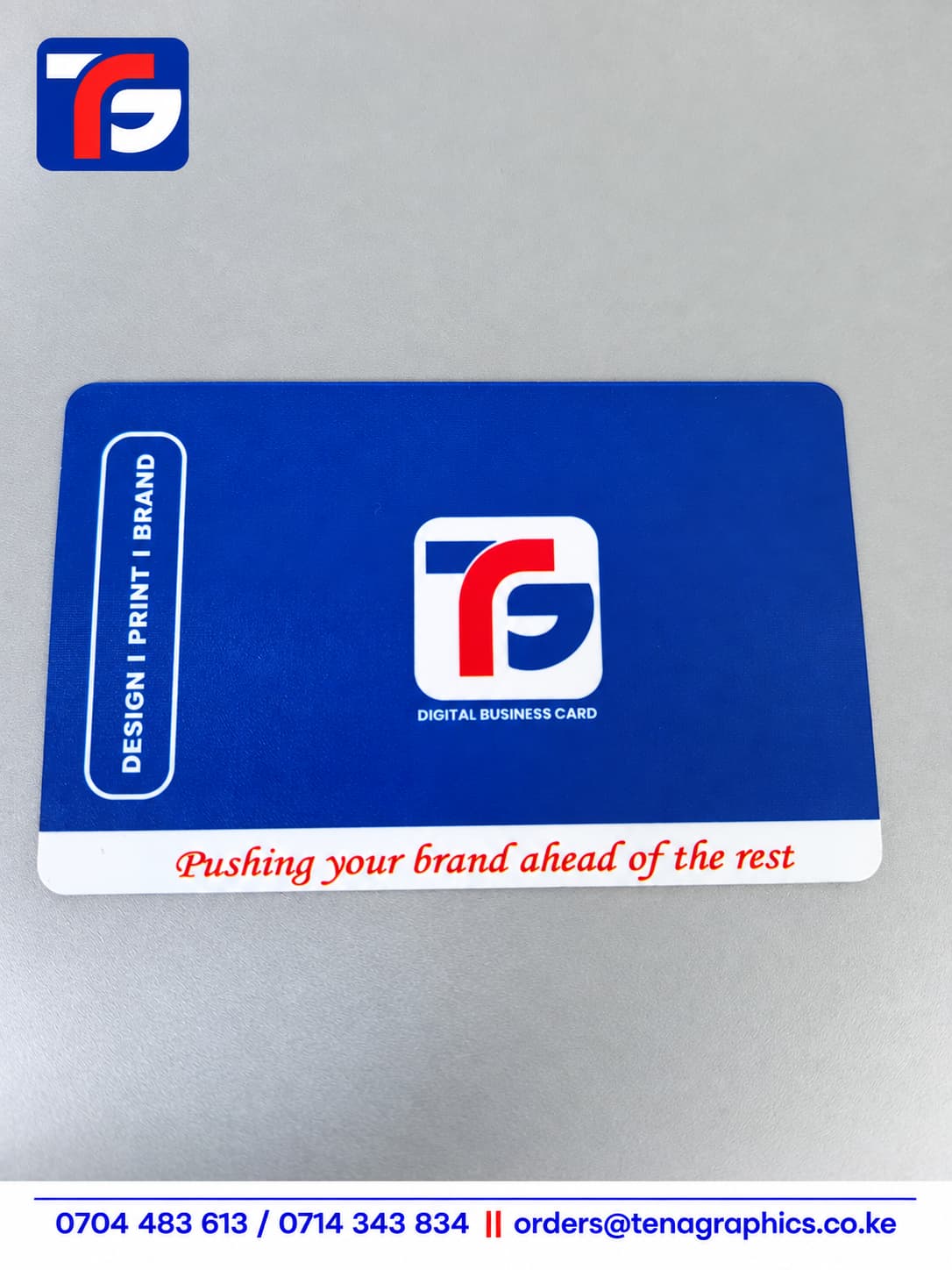
NFC digital business cards in Kenya offer a convenient way to share your business details during meetings, networking events and everyday introductions. Instead of asking someone to type your phone number, you can direct them to your contact information through a compatible smartphone.
However, choosing a card involves more than selecting a design. You also need to decide what information it will share, where that information will live and how recipients will access it.
Tena Graphics offers NFC digital business cards in Kenya. This guide explains the basics and the questions to ask before ordering.
What Is an NFC Digital Business Card?
An NFC digital business card contains a small chip that can share information with an NFC-enabled phone at close range. NFC stands for Near Field Communication.
A common setup stores a website link on the chip. When someone scans the card, their phone can offer to open that link. The destination might be a contact page, a business profile or your company website.
The physical card and the digital destination serve different purposes. Your card introduces your brand, while the linked page provides the details and actions you want people to access.
Before ordering, confirm what the card will open and whether the quotation includes creating that destination.
How Does an NFC Business Card Work?
With a typical link-based card, sharing your details involves three steps:
- Bring the card close to the phone’s NFC reading area.
- Wait for the phone to recognise the card.
- Open the notification or prompt to view the linked information.
The reading area varies between phones. Some devices also require the user to enable NFC or unlock the screen before scanning.
Compatibility depends on the phone and the card’s setup. Therefore, test the finished card with the devices your customers and team commonly use.
For many website-link setups, recipients can open the destination in their browser without installing a dedicated app. Internet access is usually needed to load the online page.
What Should You Include on Your Digital Business Profile?
Make the destination easy to use on a phone. Someone who has just met you should quickly understand who you are and how to contact you.
Start with these details:
| Detail | Purpose |
|---|---|
| Full name | Helps the recipient identify you |
| Job title | Explains your role |
| Company name and logo | Connects you with your business |
| Phone number | Provides a direct calling option |
| WhatsApp link | Makes starting a conversation easier |
| Email address | Supports formal enquiries |
| Website | Gives access to your products or services |
| Business location | Helps visitors find your premises, where relevant |
You can also include a portfolio, booking page or selected social profiles. Choose links that support your work rather than filling the page with every account you own.
For example, a sales representative might prioritise WhatsApp and a product catalogue. A consultant may prefer an appointment link and a short explanation of their services.
Keep the Physical Card Design Clear
Although the chip shares information digitally, the card still represents your business when you hand it to someone.
Include your company name, logo and enough visible information to identify the cardholder. A short instruction such as “Tap to view my details” can help people understand how to use it.
If you want a QR code, request it during the design stage. A QR code can provide another way to open the same destination when tapping is unavailable or unfamiliar to the recipient.
Keep the layout simple. Small text, crowded artwork and low contrast can make the card harder to read.
NFC Cards Versus Printed Business Cards
Both formats can support business introductions. Your choice depends on the people you meet and how you prefer to share information.
| Consideration | NFC digital business card | Printed business card |
|---|---|---|
| Sharing details | Uses a compatible phone to access the stored information or link | Displays details directly on the card |
| Online content | Can link to a profile, website or portfolio | Can display a website address or QR code |
| Changing details | Linked content may be editable, depending on the setup | Printed details require a new print run |
| Device requirements | Tapping requires compatible NFC functionality | Visible details require no phone |
| Handing out cards | Can be reused for multiple introductions | Usually leaves a physical copy with the recipient |
Some businesses use both. An NFC card can support face-to-face introductions, while printed cards provide something customers can keep.
Can You Update Your Details Later?
This depends on how the card and its destination work.
If your NFC card opens a page you control, you may be able to update the page without changing the card. For example, you could replace a phone number while keeping the same destination URL.
However, changing the information stored directly on the chip depends on whether the chip remains writable and how the supplier has configured it.
Ask these questions before ordering:
- Who owns and manages the linked profile?
- Can you edit the contact details yourself?
- Can the destination link change later?
- Does the card use a third-party service?
- Are there hosting, subscription or renewal charges?
- What happens if you stop using the profile service?
These answers help you understand the complete arrangement beyond the initial card purchase.
Who Can Use NFC Digital Business Cards?
NFC cards can suit professionals who regularly introduce themselves and share online information.
Sales teams can link to business contacts and product pages. Property agents can direct prospects to their profiles or listings. Consultants can share service information and booking links.
For a company order, use a consistent design across the team while giving each employee the correct destination. Check every name, role, phone number and link before approving production.
What to Confirm Before Ordering
When comparing NFC digital business cards in Kenya, ask for a clear specification rather than relying on appearance alone.
Confirm the card material, print finish, quantity and artwork requirements. Also check what the NFC chip will store, whether a QR code is included and what digital setup forms part of the quotation.
Request a working demonstration where possible. Test the card, open each contact button and check how the destination looks on a phone.
Before approving your order, verify:
- The spelling of names and company details.
- The phone, WhatsApp and email links.
- The destination website address.
- Any QR code.
- Editing arrangements and recurring costs.
- Production time and delivery charges.
Order NFC Digital Business Cards from Tena Graphics
Ready to explore NFC digital business cards from Tena Graphics?
Send your company name, required quantity, logo and preferred card design. Include the destination link you want the card to open. If you need help preparing a digital profile, mention this so the available options and costs can be confirmed.
For team orders, provide each employee’s details separately to help avoid errors.
Call or WhatsApp: 0704 483 613
Email: orders@tenagraphics.co.ke
Share your requirements to receive a quotation for your NFC business card order.
Comments
No comments yet. Be the first to share your thoughts.
Need printing or branding for your business?
Tena Graphics EA Ltd offers high-quality printing, corporate branding, merchandise, business cards, banners, and apparel across Kenya with fast delivery.